Note: This article contains no spoilers.
No flags, no passwords, no challenge logic.
Just the philosophy, the design, and why Project Reboot exists.
Introduction
Lately we’ve been building Project Reboot, a hardware lab where your goal is to bring a small robot back to life after a critical system crash.
The idea behind the project is simple:
- Practical embedded security training is often too abstract.
- Actual hardware/IoT pentesting is learned by doing, not by reading.
- Students find it difficult to engage with real UART, I²C, SPI, BLE interactions.
- A tiny, crashed robot can teach more than PowerPoint slides.
Project Reboot transforms low level protocol exploration into a story:
you’re the field engineer, and the robot won’t wake up unless you actually understand how to communicate with it.
The Narrative
The robot suffered a failure during its last mission.
Its core is alive, but all higher level subsystems are offline.
Your job is to Bring it back online one protocol at a time.
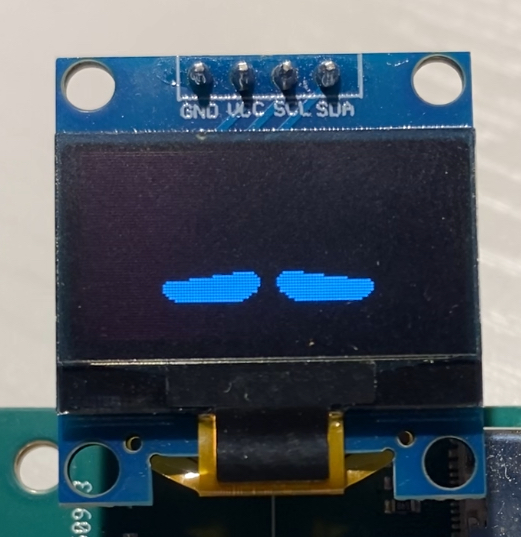
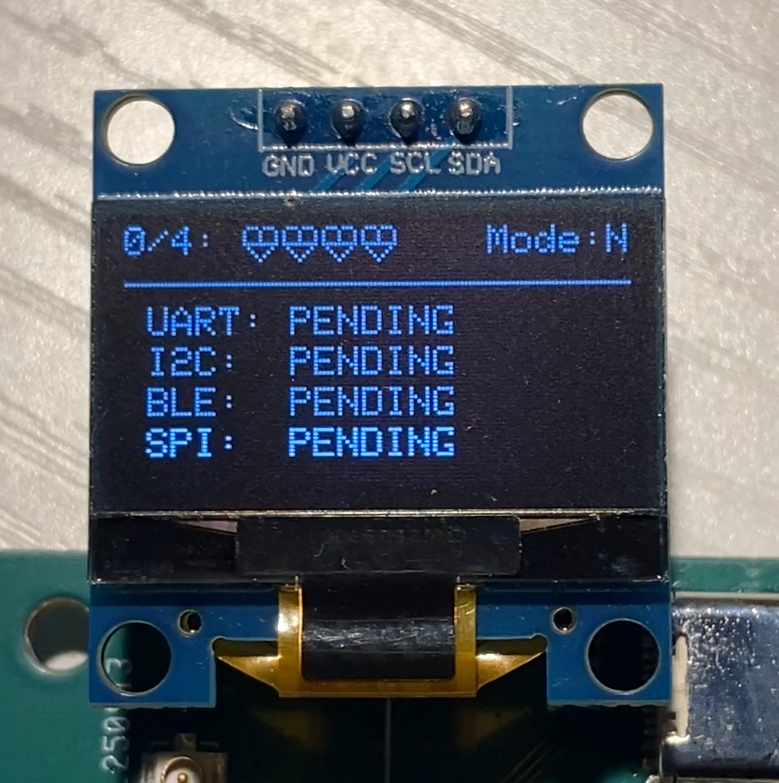
Each successful recovery updates the robot’s OLED display with “hearts”: visual indicators of progress in the active mode (Normal or Hard).
You cycle through the robot’s screens using a single physical button.
In one of the possible “pages” of the screen there is a QR code page pointing to the official manual (not shown below for the moment).
|
|
The Hardware
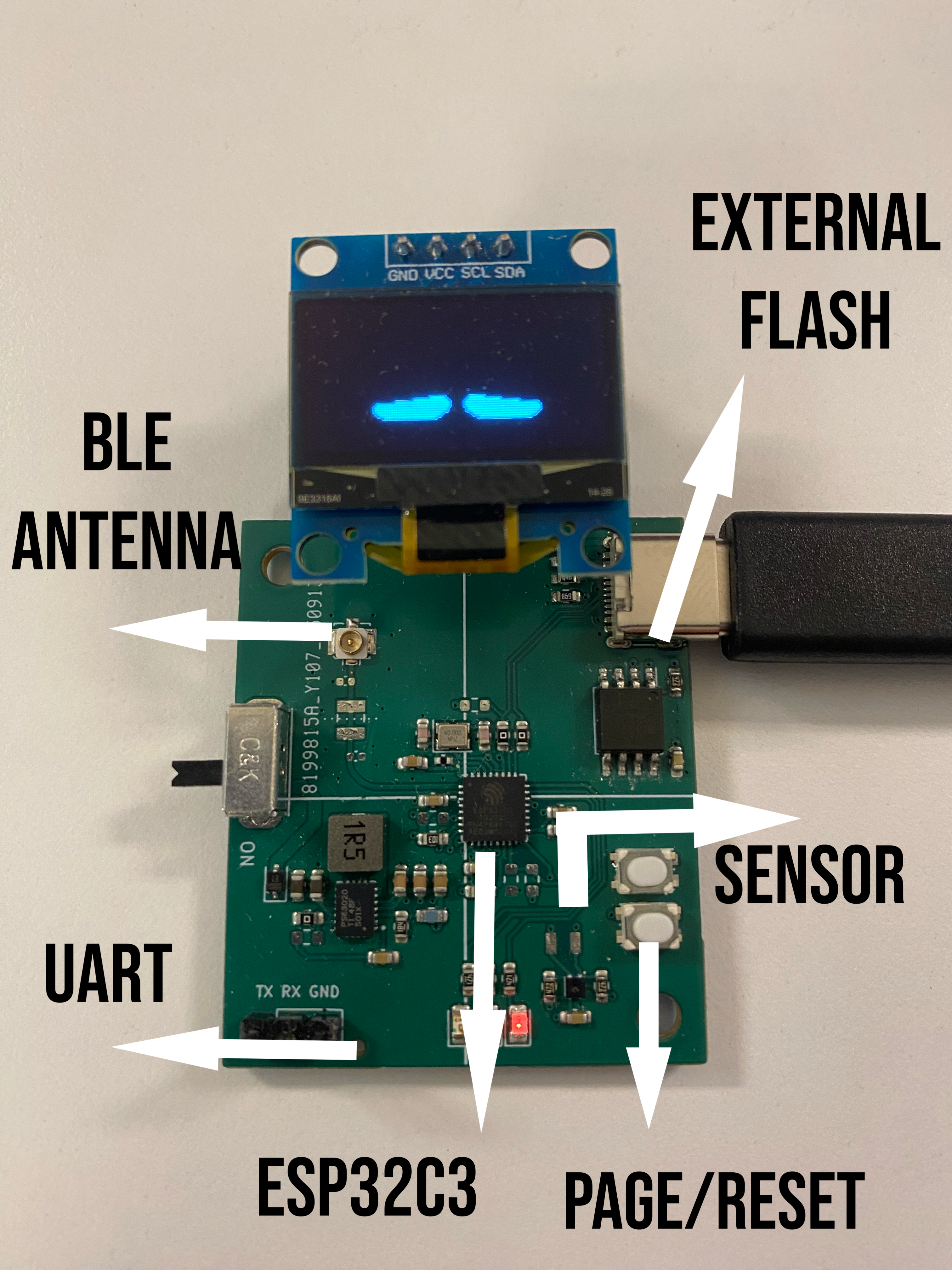
Project Reboot is made be simple, but it still lets you do a lot:
- MCU: ESP32-C3
- Display: 128×64 OLED over I²C
- Sensor: SHT40 humidity/temperature
- Connectivity: BLE with custom service
- Debug links: UART, shared I²C, external SPI interface, BLE characteristics
- Inputs: Physical PAGE/RESET buttons
The PCB exposes headers for the real physical protocols you’ll interact with during the challenges.
The Challenges (without spoilers)
Each subsystem of the robot is “down”, and you must reactivate it through practical debugging.
The lab is divided into four (plus four hard mode) protocol based challenges:
1. UART – Recovery Console Bring-Up
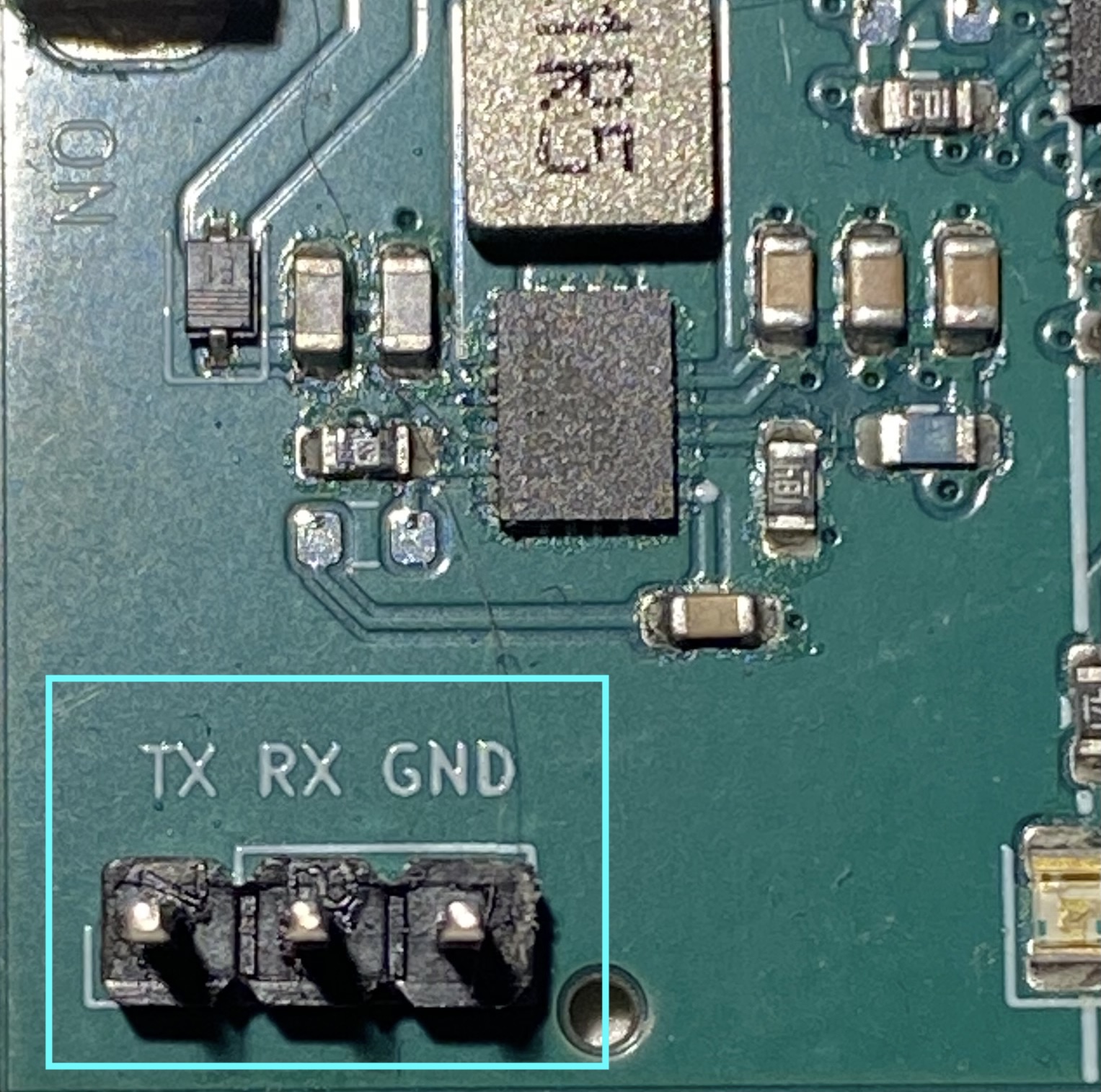
Students locate and connect to an exposed hardware UART port, analyze the boot sequence, and interact with a recovery shell.
- Learn how to identify UART pins on a board
- Use a USB-UART adapter and logic analyzer
- Understand baud rates, framing, and boot logs
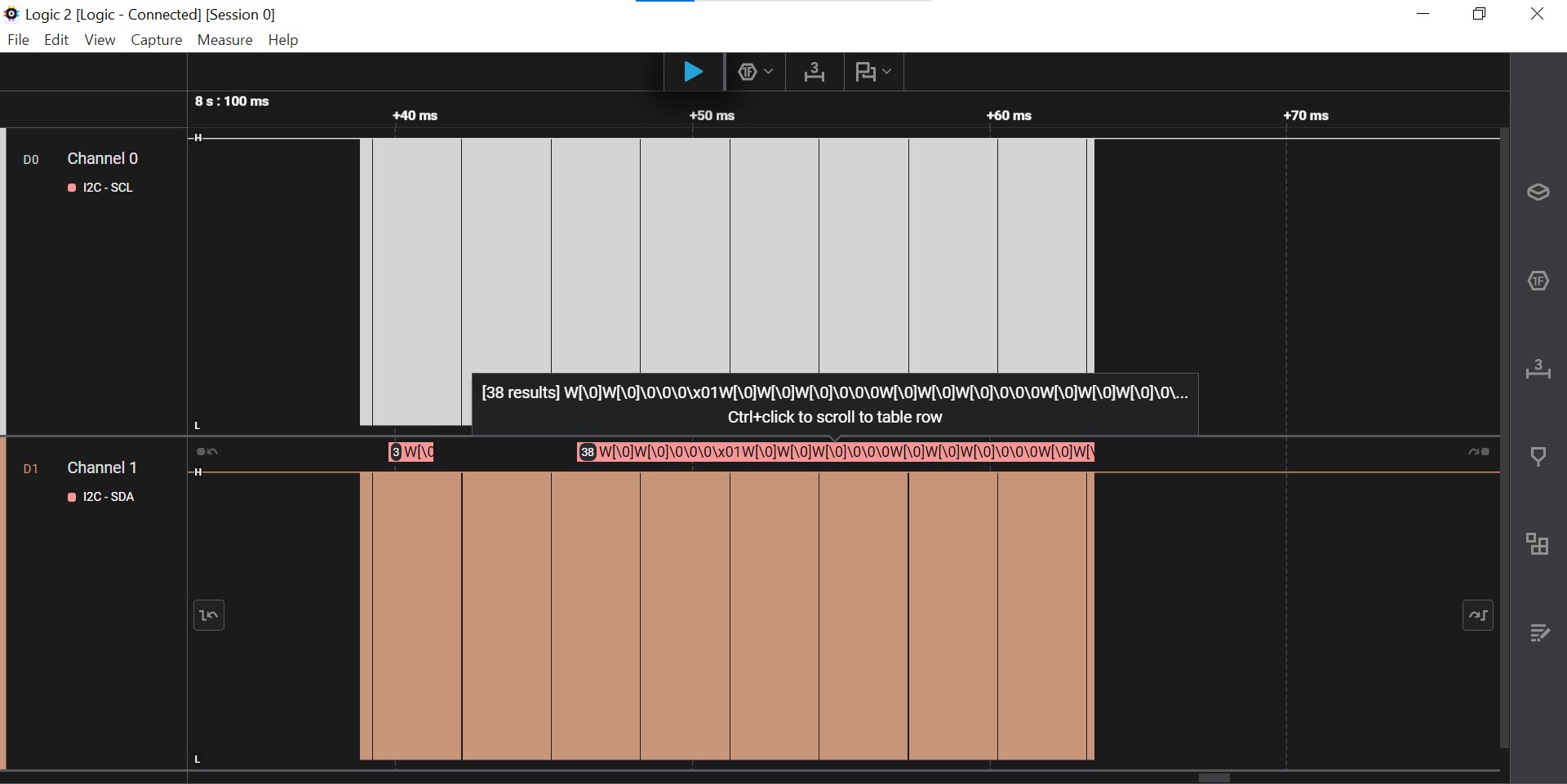
2. I²C – Sniffing the Shared Bus
The robot uses I²C for both its display and its humidity sensor.
During specific conditions, it communicates extra information on the bus.
You learn to:
- Sniff I²C traffic
- Identify devices and decode transmissions
- Understand open-drain signalling and multi-device buses
3. SPI – External Flash Exploration
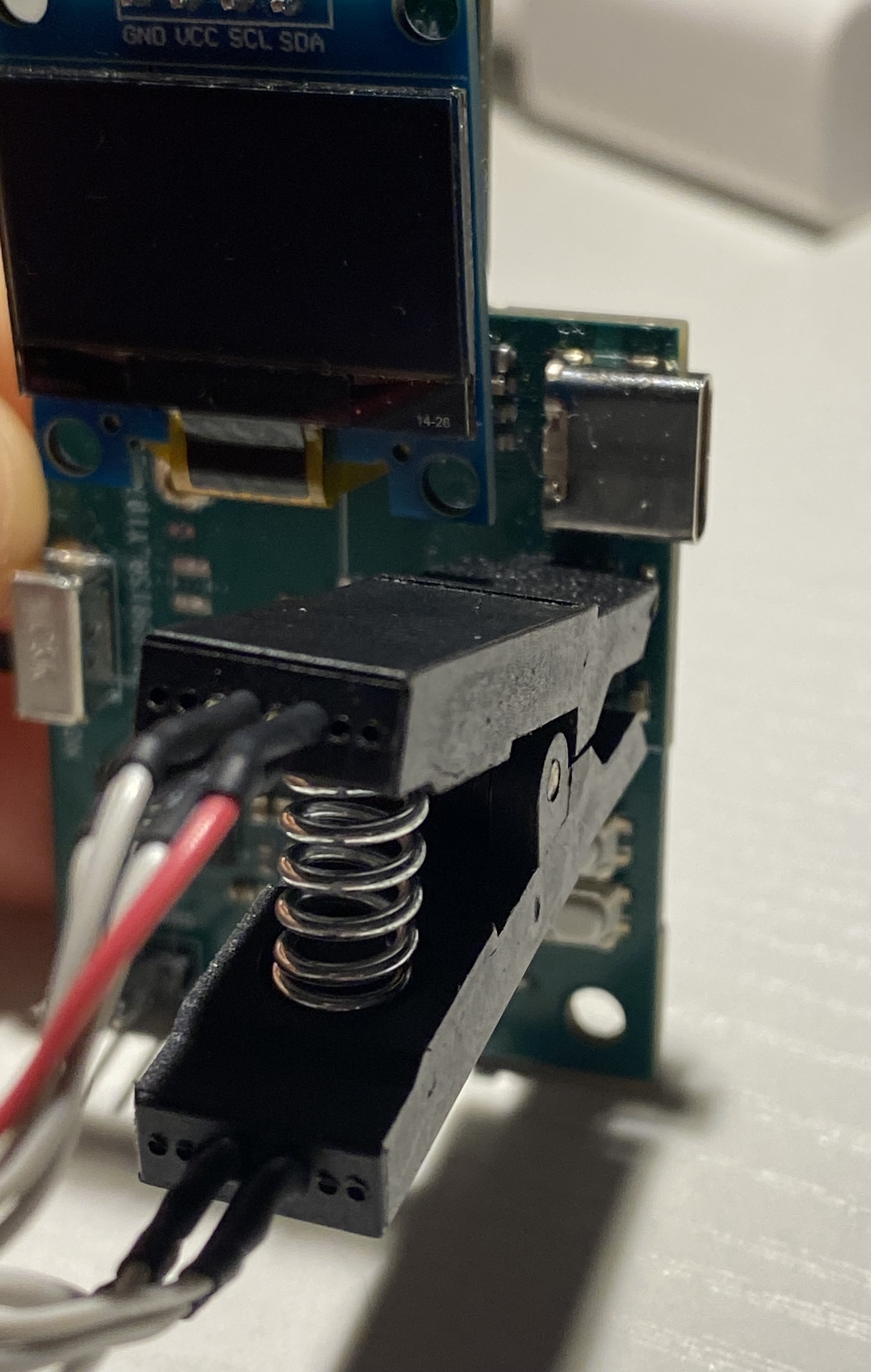
The robot references off-board SPI storage as part of its recovery routine.
Students extract data, analyze firmware fragments, and interpret binary structures.
Learning goals include:
- Understanding SPI (MOSI/MISO/SCK/CS)
- Using external programmers / flash tools
- Reading raw firmware dumps
4. BLE – Command Channel & Control Console
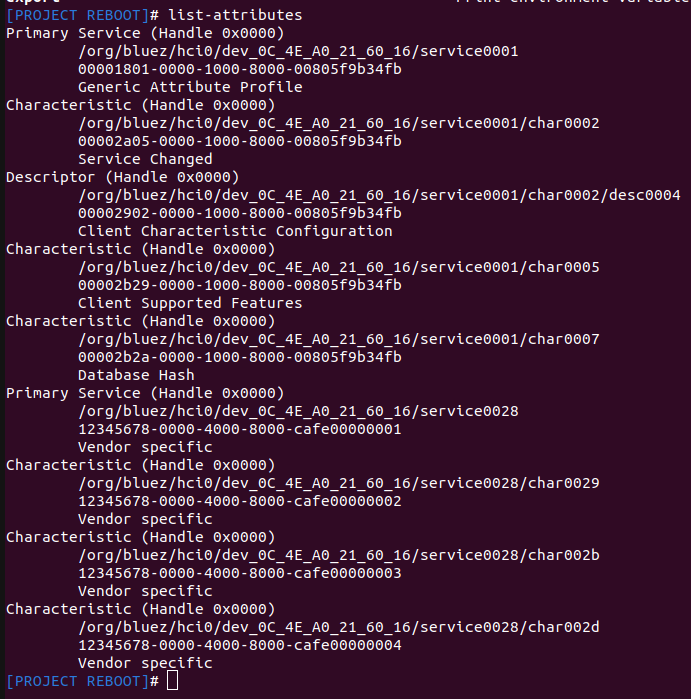
BLE is the robot’s main communication interface.
Through a custom BLE service you can:
- Query system status
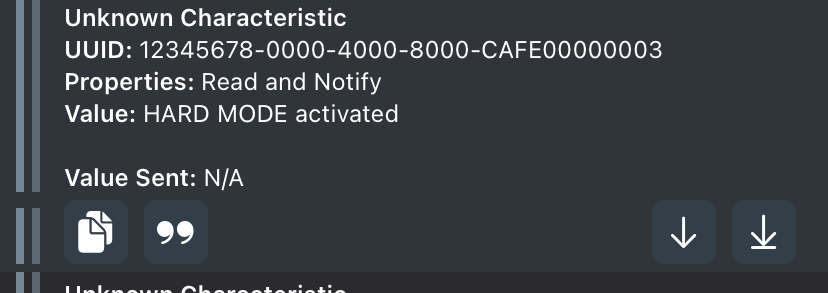
- Switch modes (Normal / Hard)
- Submit recovered data
- Solve the specific BLE protocol challenge
This introduces students to GATT, characteristics, notifications, and BLE tooling.
Normal Mode vs Hard Mode
Project Reboot includes two difficulty levels:
Normal Mode
- Clean signals
- Clearer messages
- Lower noise
Great for beginners or a first pass.
Hard Mode
- More noise
- Less obvious hints
- More challenging pentesting and reverse engineering
Switching modes is done via BLE commands.
Why Project Reboot Exists
The entire project is built around a philosophy:
“You don’t learn hardware security by reading about it.
You learn it by touching wires, decoding signals, and fixing broken systems.”
Project Reboot was designed to teach embedded debugging, low-level protocols, firmware analysis basics, BLE reverse engineering, and problem-solving within a narrative context.
Whether used in a classroom, workshop, or personal lab, the goal is to make embedded security approachable and fun.
Availability
Project Reboot will soon be available as a dedicated hardware kit with:
- A professionally-made PCB
- Pre flashed firmware
- Full kit of tools to solve the challenges
- An illustrated manual
- Multiple challenge modes
- Optional accessories and teaching material

Updates will be posted soon!
Conclusion
Project Reboot turns embedded security training into a narrative puzzle.
It’s approachable, practical, and fun, but challenging enough to teach real skills.
If you want to follow updates keep an eye here: mindstormsecurity.com.